Key points
- Pick a situation and the required sensors and sampling rate are set; a composite score shows at a glance whether this phone is enough.
- Values appear as a compass, spirit level, signal bars or map, and records export to Excel with an explanatory sheet.
- The Android and iOS apps share the same grading thresholds, and measurements never leave the device.
What the app does
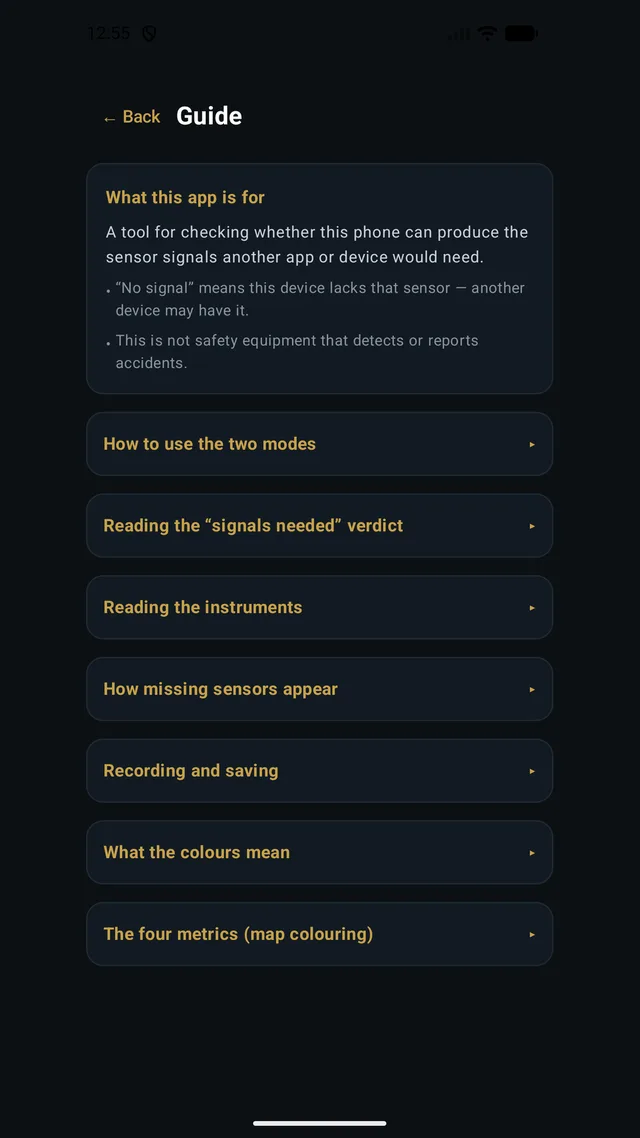
A tool for checking, before you build an app or a device, whether a phone can actually produce the signals it will depend on. A spec sheet may list a sensor, but whether it reports values, how often, and how accurately varies from handset to handset. This app shows you.
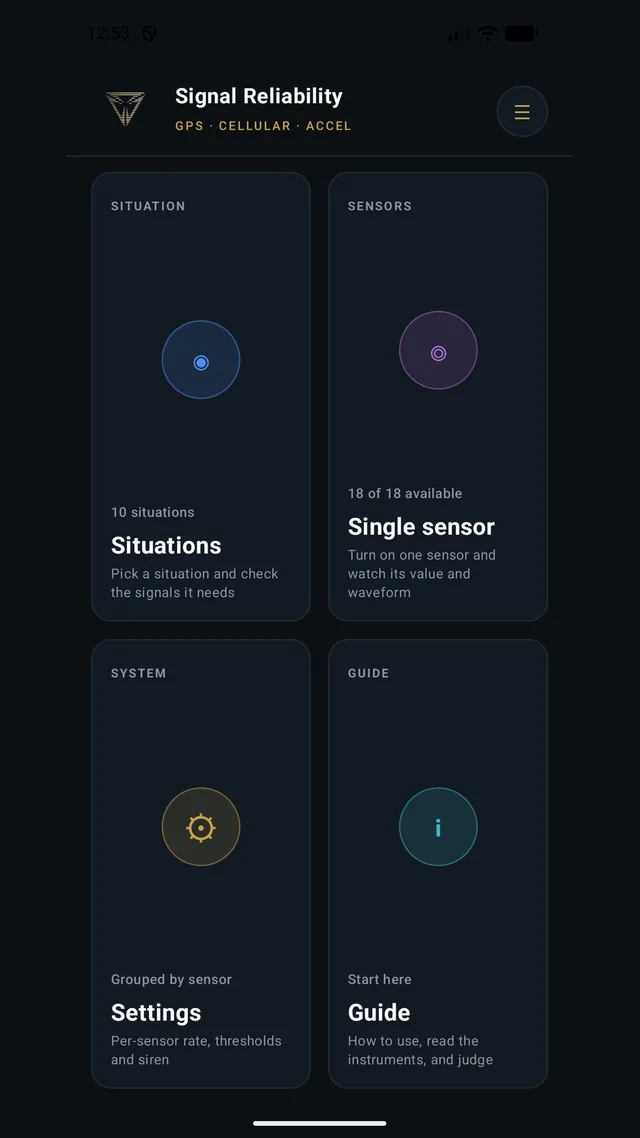
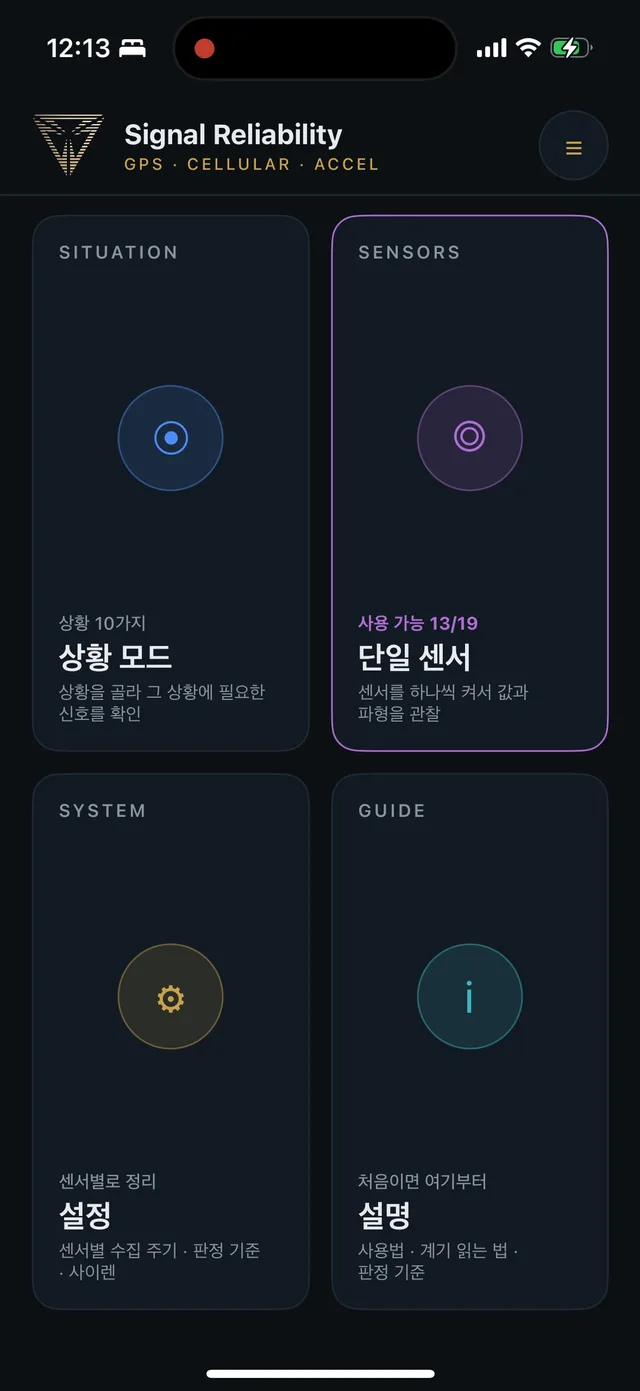
The home screen offers two ways in: Situations, which measures every sensor a chosen situation needs at once, and Single sensor, which turns sensors on one at a time to watch their values. Both the Android and iOS apps are available on their stores.
Situations — measuring for ten situations
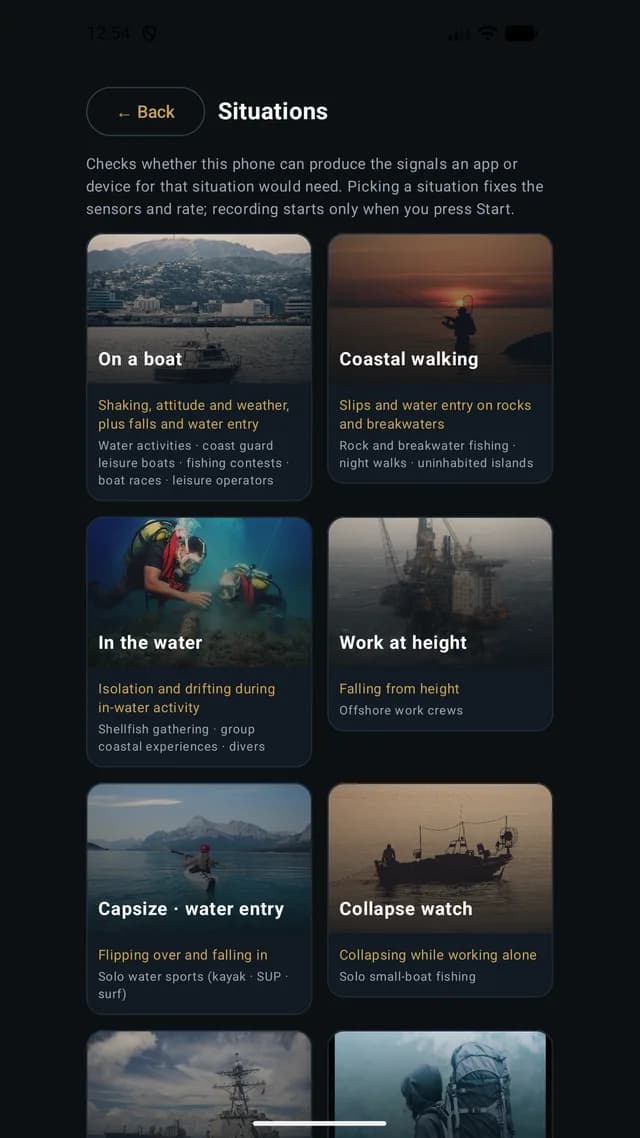
Pick one of ten situations — on a boat, coastal walking, in the water, work at height and more — and the sensors and sampling rate an app for that situation would need are set automatically. You can judge at a glance whether this phone is enough for such an app.
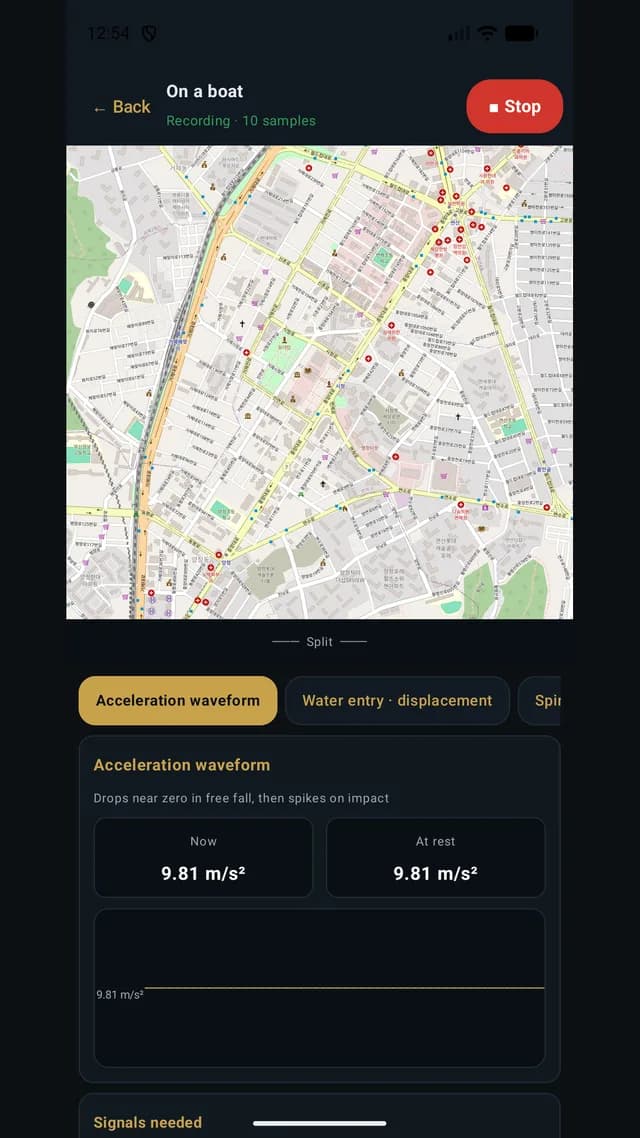
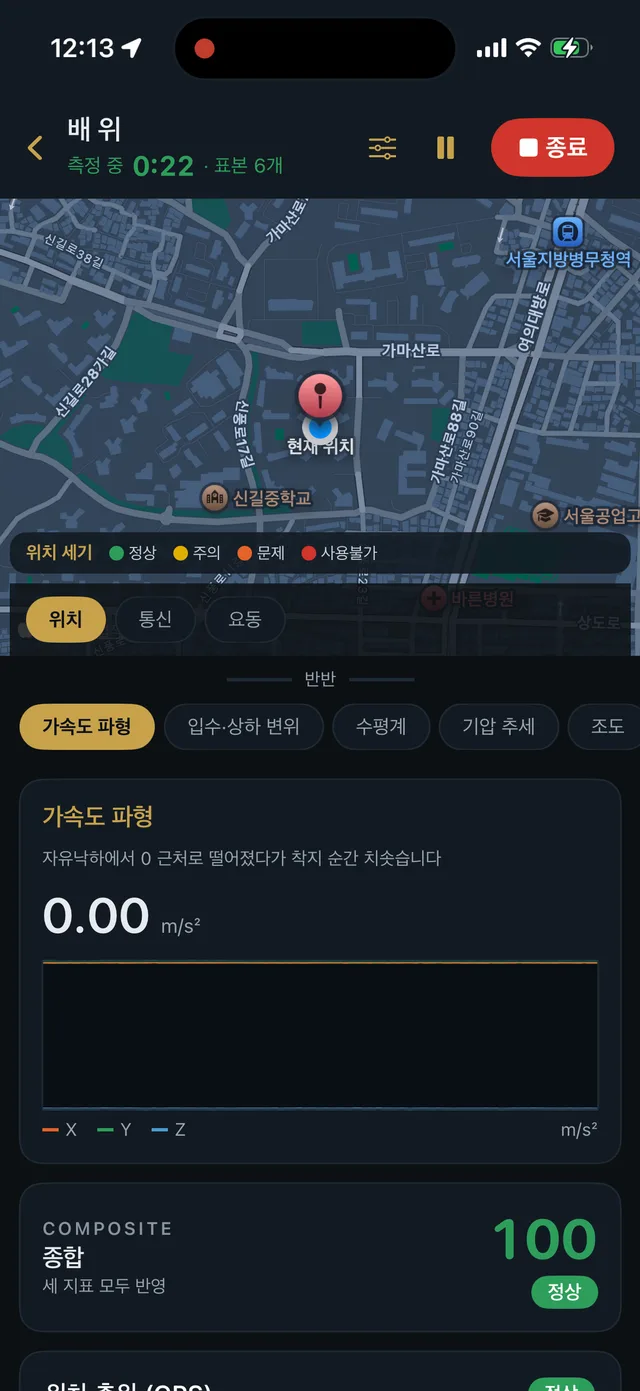
Once measuring starts, positions are plotted on a map while the acceleration waveform and vertical heave stream alongside. A composite score combining location, connectivity and heave is shown as normal, caution or problem, so the state is clear without reading every number.
Single sensor — values, waveforms, gauges
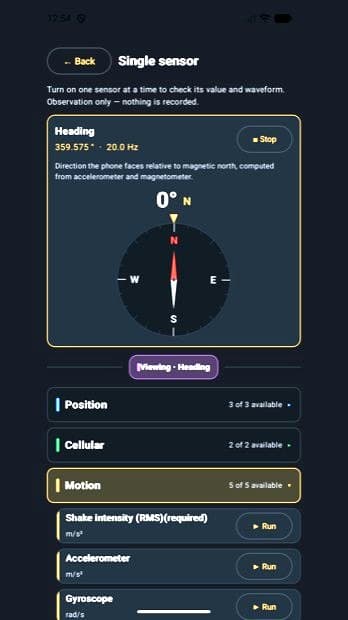
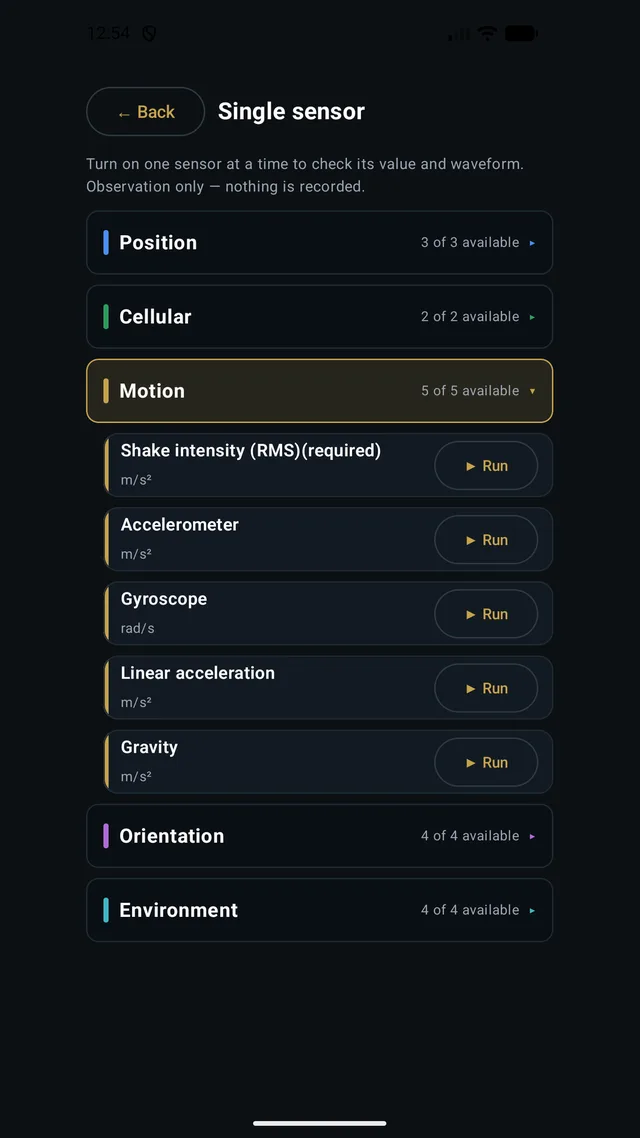
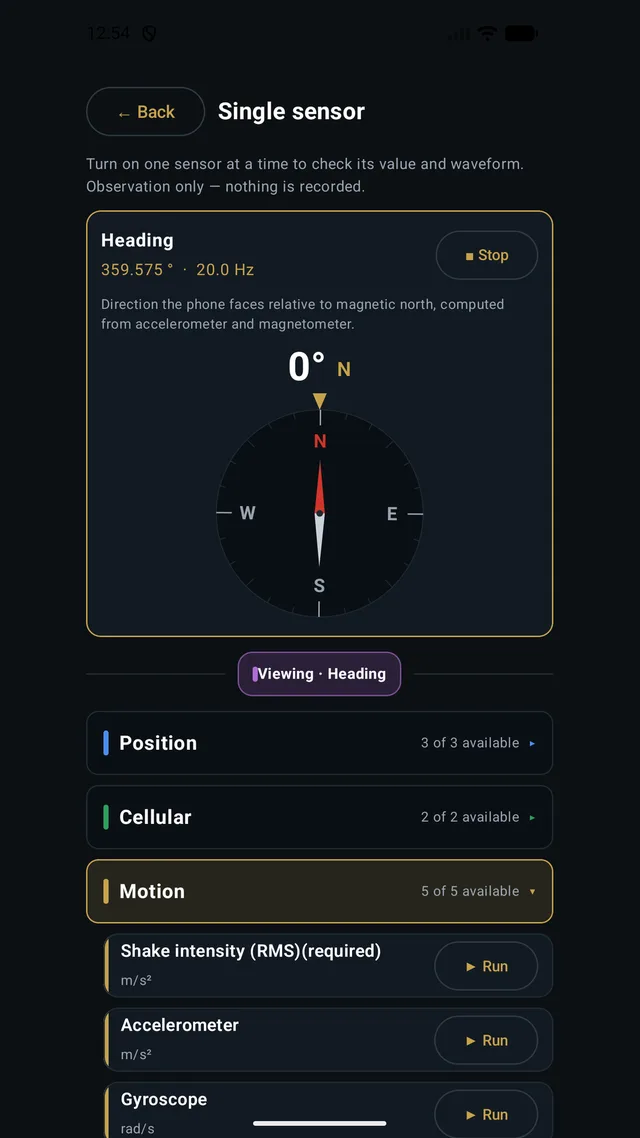
Sensors are grouped into location, cellular, motion, attitude and environment; turn them on one at a time to see whether they report. Each group shows how many are available on this device, and because nothing is recorded, you can explore freely.
Each value is drawn in a form that fits the sensor — heading as a compass, tilt as a spirit level, signal strength as bars, position on a map — rather than rows of numbers.
Grading thresholds, records, Excel export
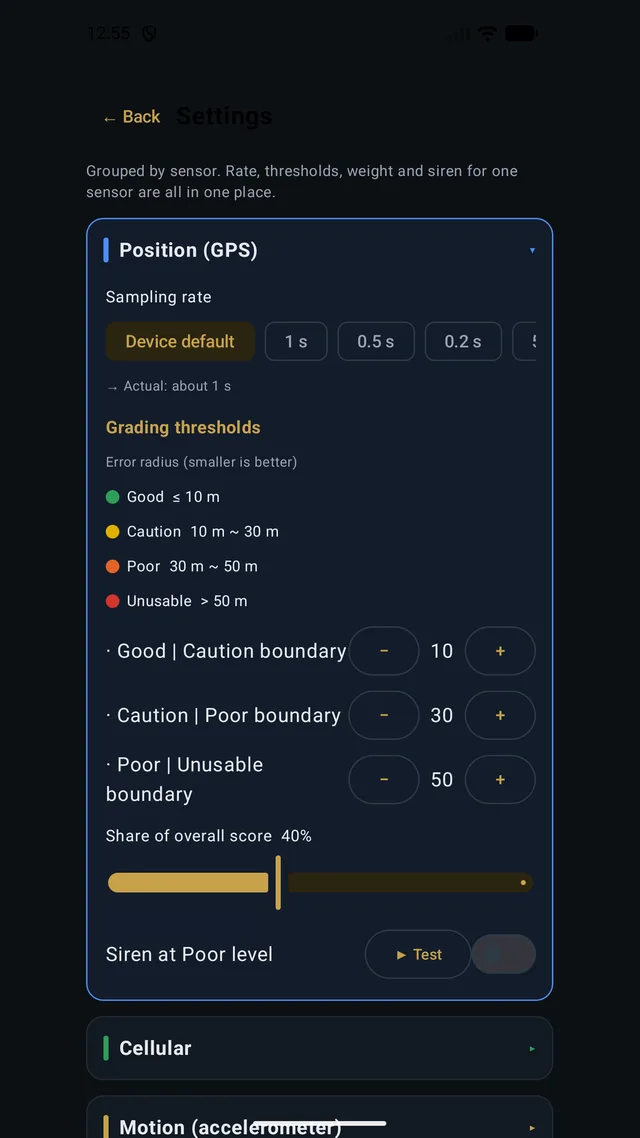
Sampling rate and grading bands are adjustable per sensor in Settings. Location, for instance, counts an error radius under 10 m as normal and beyond 30 m or 50 m as caution or problem, and each threshold can be stepped up or down. A siren can be set to sound at the problem level.
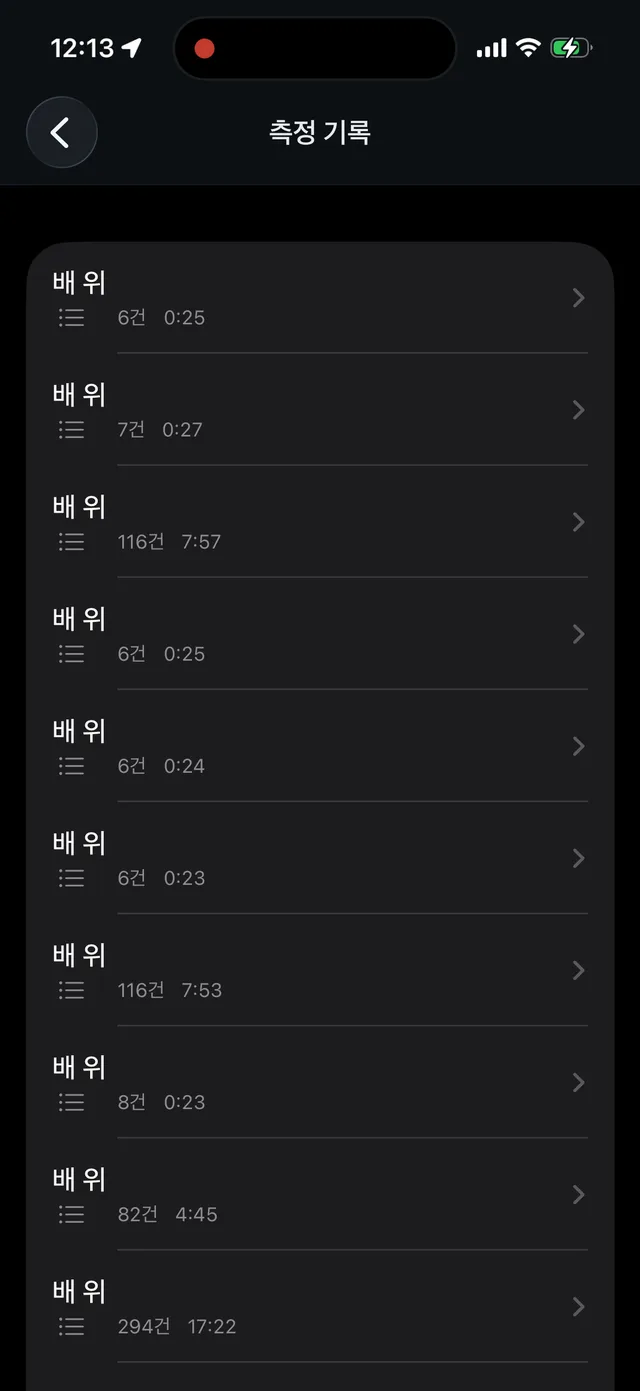
Situation measurements are kept as records and can be exported as an xlsx file. Alongside the raw values it includes a sheet explaining each column's meaning, unit and grading thresholds, so the recipient can read it without asking. Measurements are stored only on the phone and never sent to a server.
Android and iOS — what each can read
The two apps aim at the same goal but can read different values. Satellite count, signal strength (dBm), ambient light and proximity are not exposed to apps on iOS, so the iOS version shows them as unavailable rather than making anything up.
Instead, the iOS version measures connectivity by actual transfer time rather than signal strength: every five seconds it sends a small real request and times the round trip, treating 300 ms or less as normal. Each store listing describes only what that version can do.
What is inside
Each app is native — Kotlin on Android, Swift on iOS — because sampling rate and precision can only be seen as they are when sensor values are read directly from the operating system.
Grading thresholds and the composite-score weights (location 0.4, connectivity 0.4, heave 0.2) live in one shared spec file, and both apps' code is generated from it. The calculations are tested against the same test data on both apps to confirm that the same input yields the same grade.
Measurement continues with the screen off — through a location foreground service on Android and background location permission on iOS. The screens and the Excel file are available in Korean, English, Chinese and Japanese.
Development record
Where it lives
Want something like this?
The subject line will note which project brought you here.
I reply within one to three business days.
Enquire by email