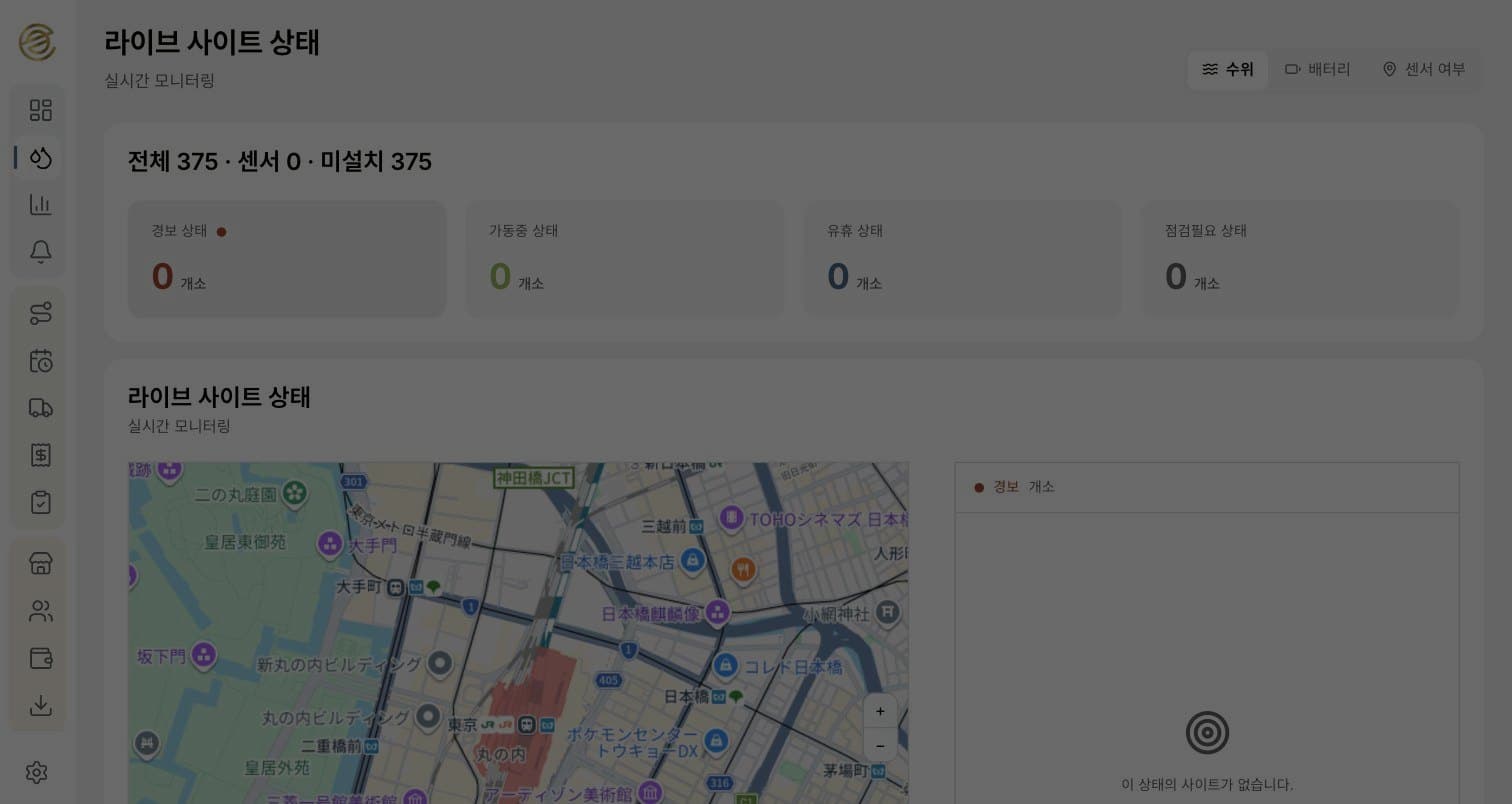
Key points
- Request a pickup in the app instead of by phone or fax, and see what was collected, when, with photos.
- Collection staff see the day's stops and order on a map; on site they record only the scale reading and photos, and the server does the rest.
- Input works where there is no signal, and the app supports Japanese, Korean, English and Chinese.
Results
- Stores in service
- 447 storesmeasured
- Uninterrupted operation
- 6 monthsclient-reported
What the app does
It handles used cooking oil pickup from restaurants — from request to weighing record — in a single app, replacing phone and fax exchanges.
There are two kinds of users. Store staff request pickups and check results; collection staff visit the day's stops and record weights and photos. Same app, different screens by role.
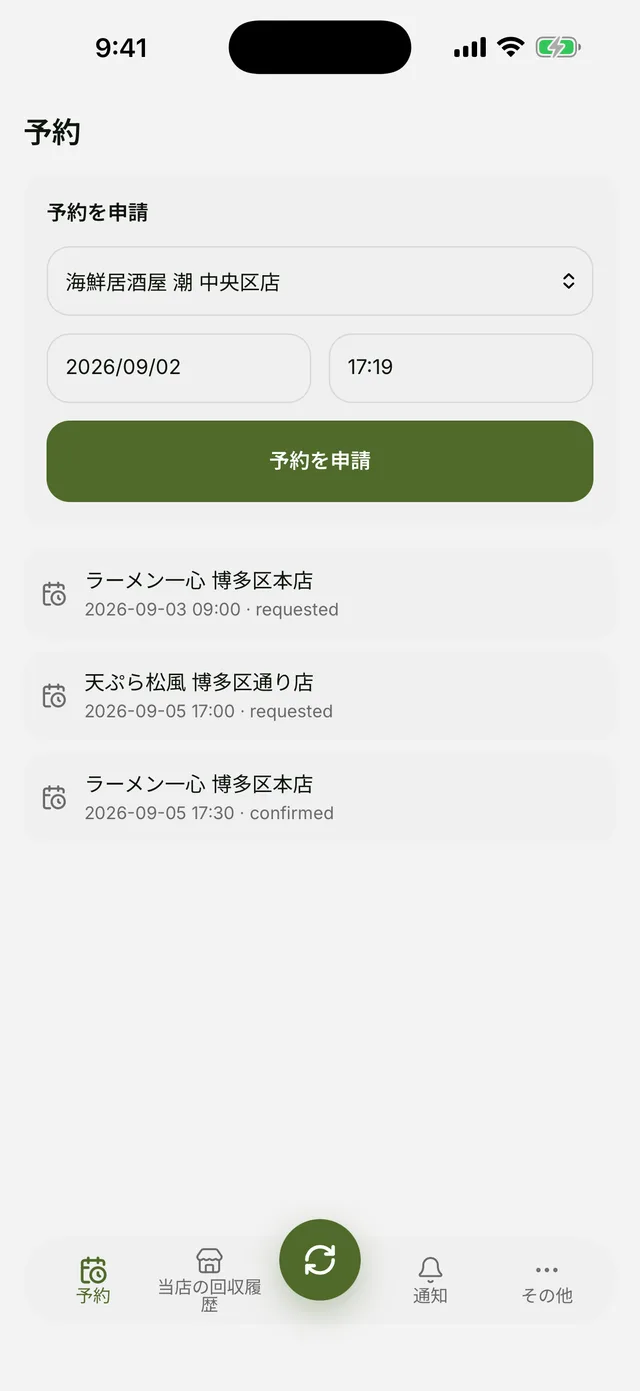
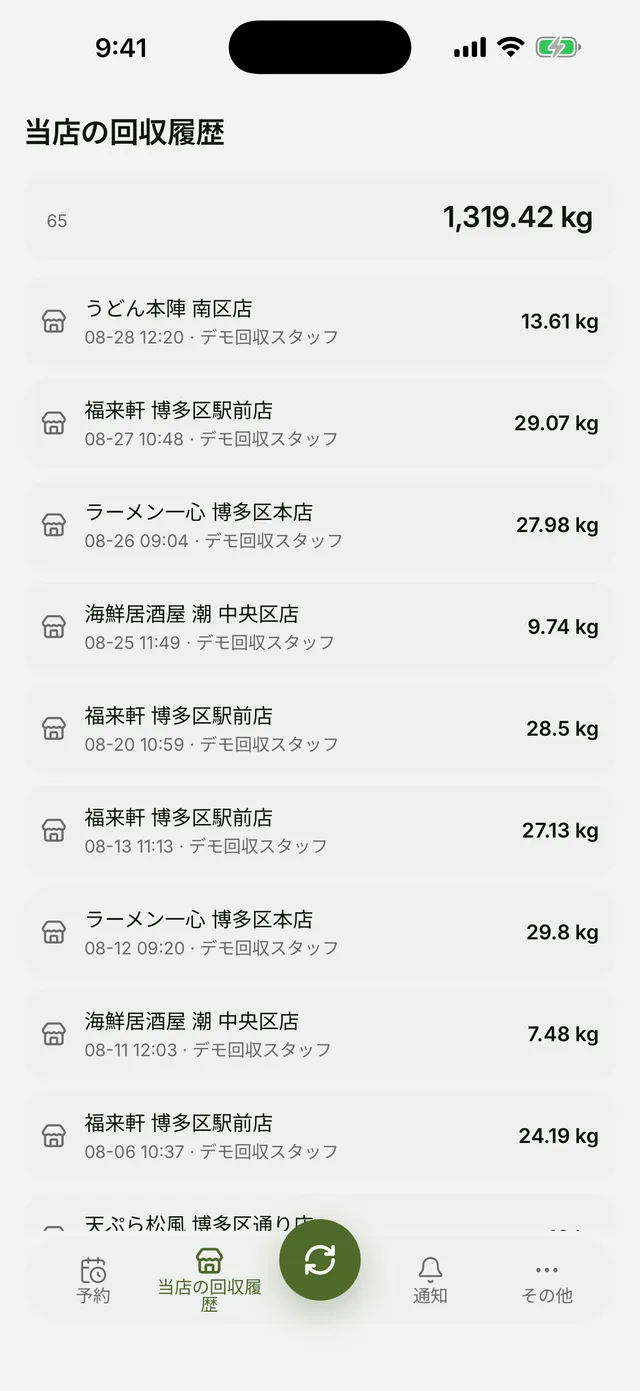
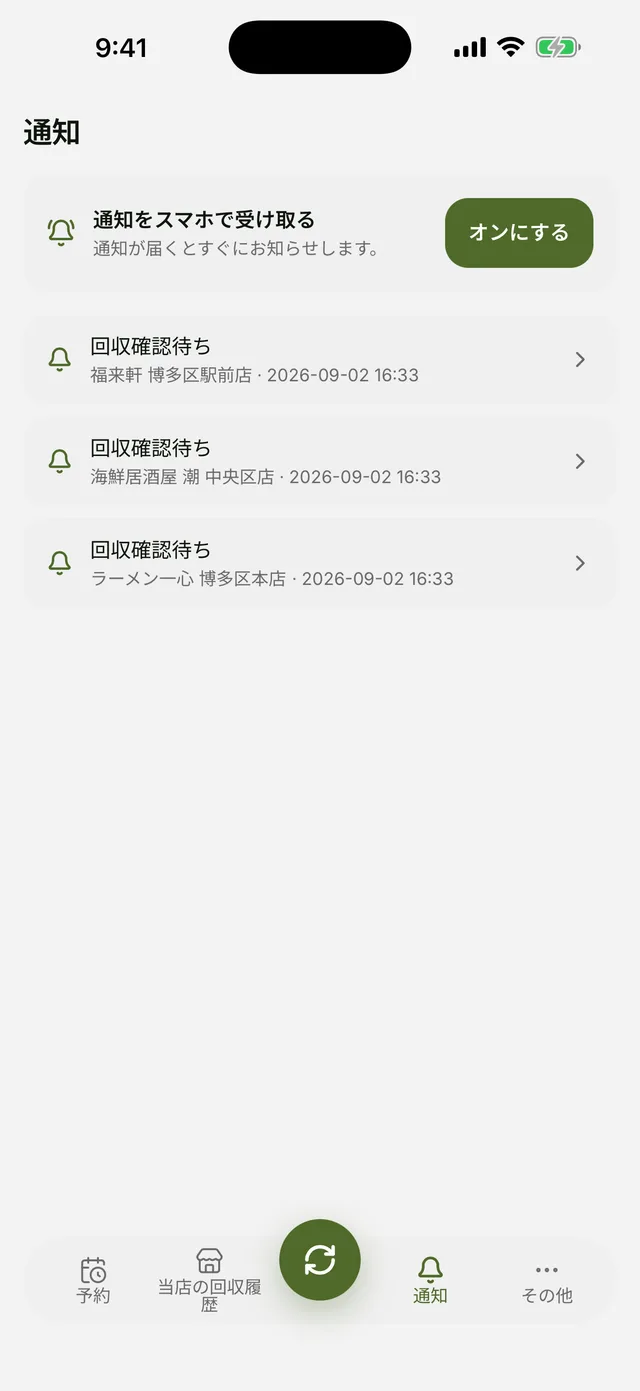
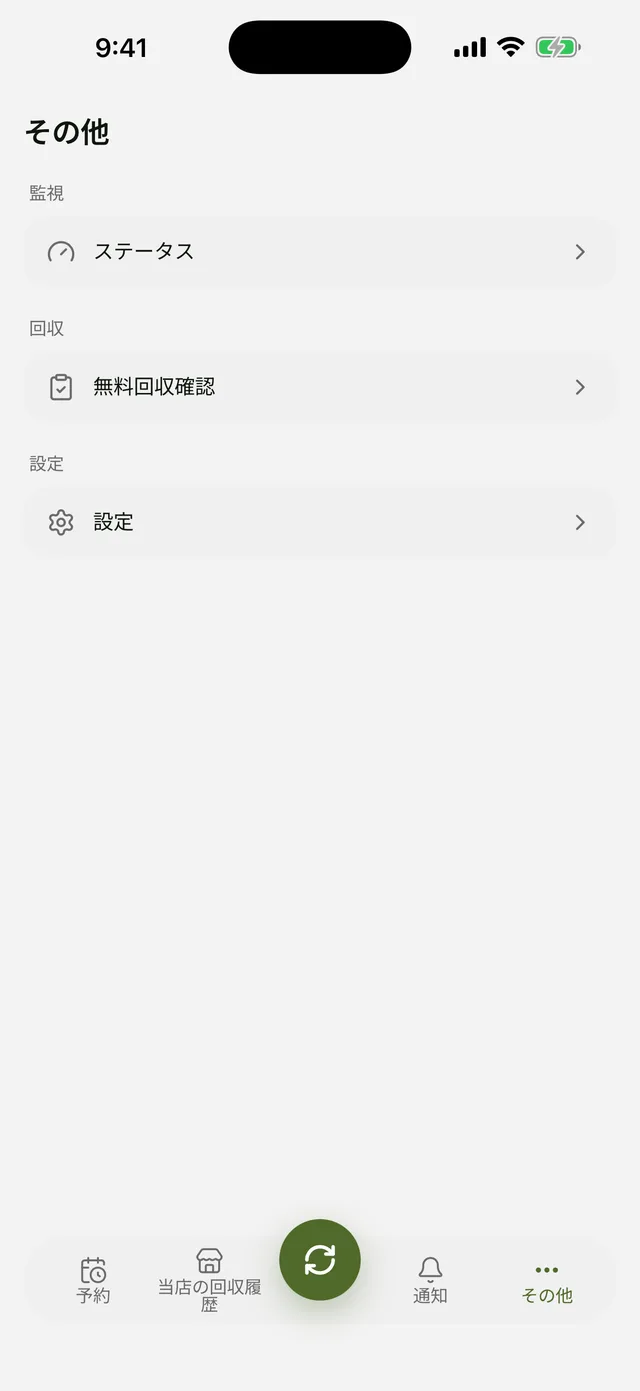
For stores — request, history, alerts
Pick a store, date and time to request a pickup. Each request appears below with its status — requested, then confirmed.
Past pickups stack up by date, staff member and weight, with the running count and total at the top. A notification arrives when a pickup is confirmed or completed.
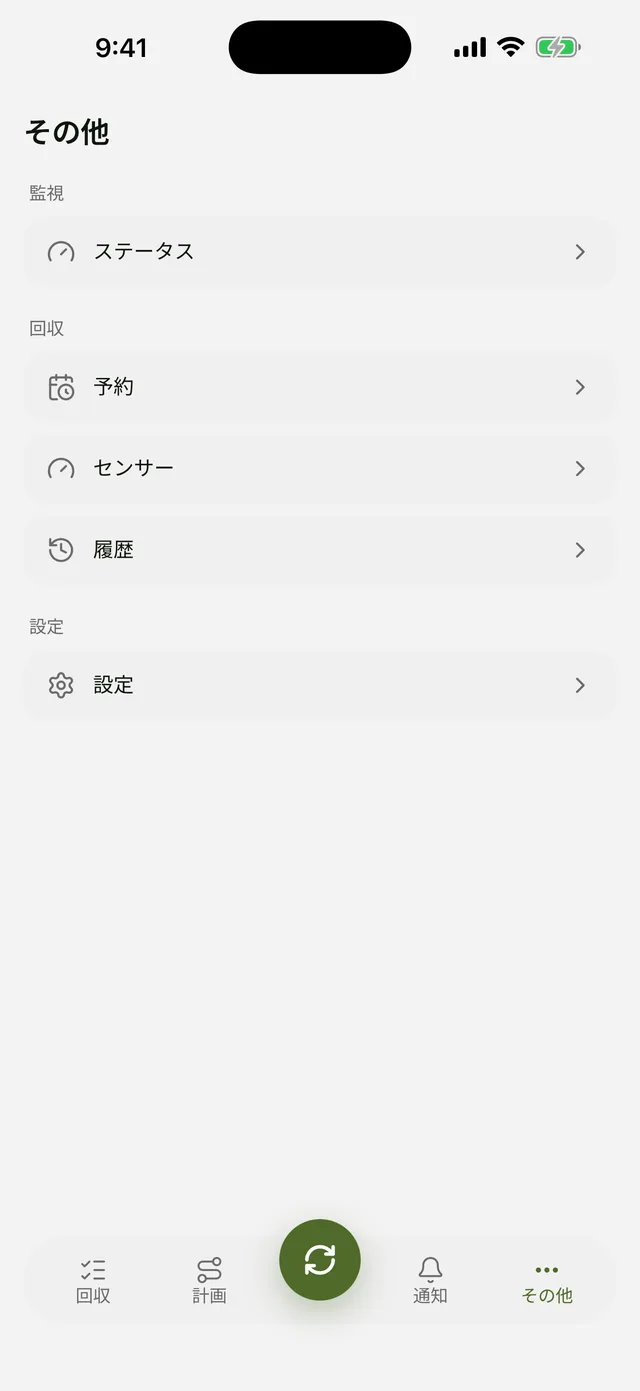
For collection staff — map, route, report
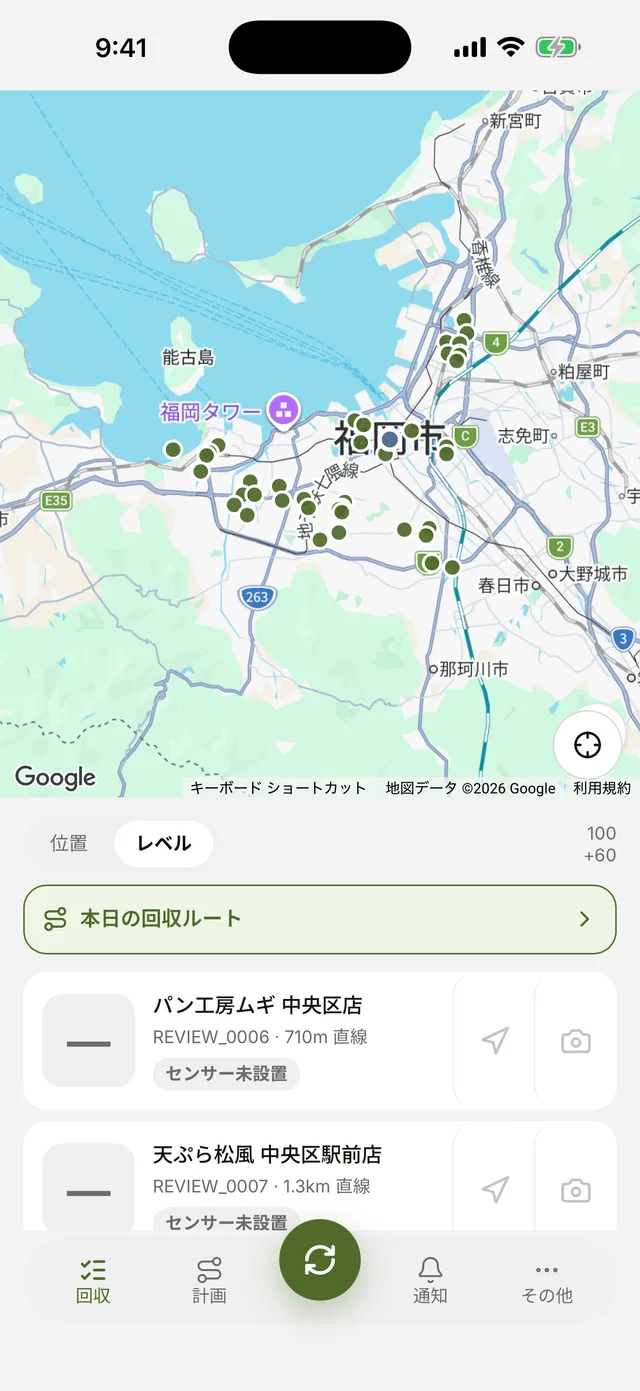
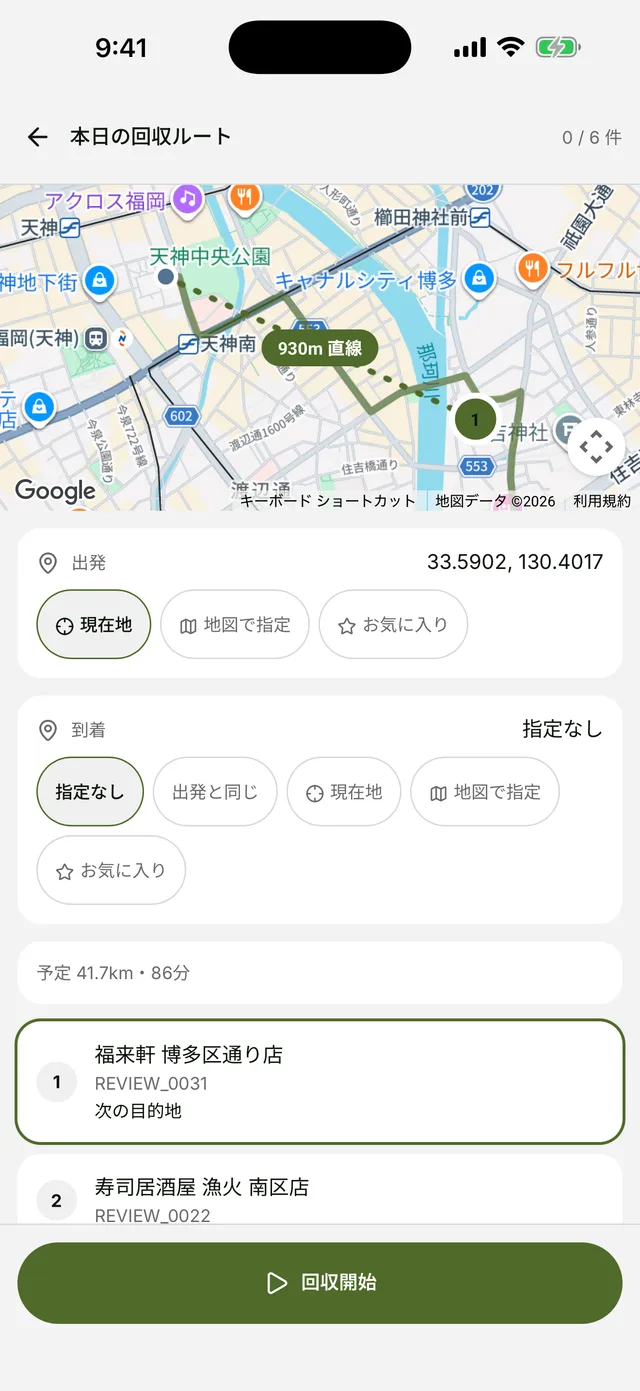
Assigned stores appear on a map, sorted by distance. Tapping today's route computes cycle, weekday and closures to build the day's stops and order, with estimated distance and time.
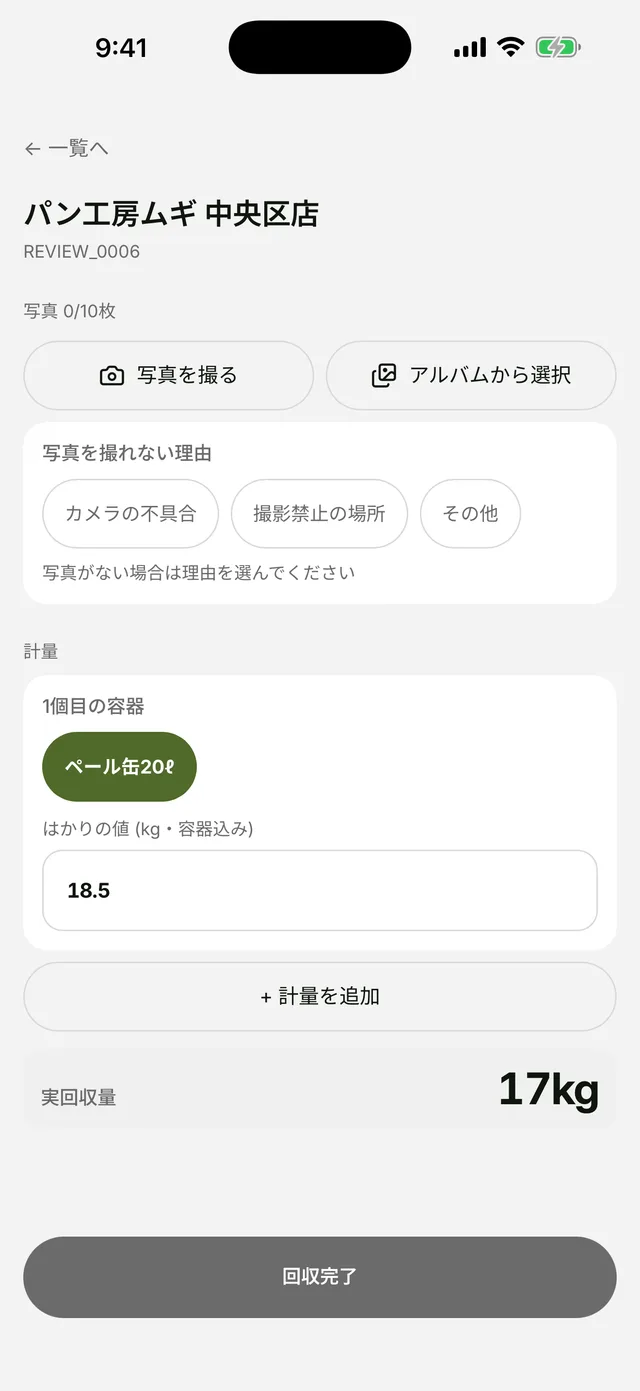
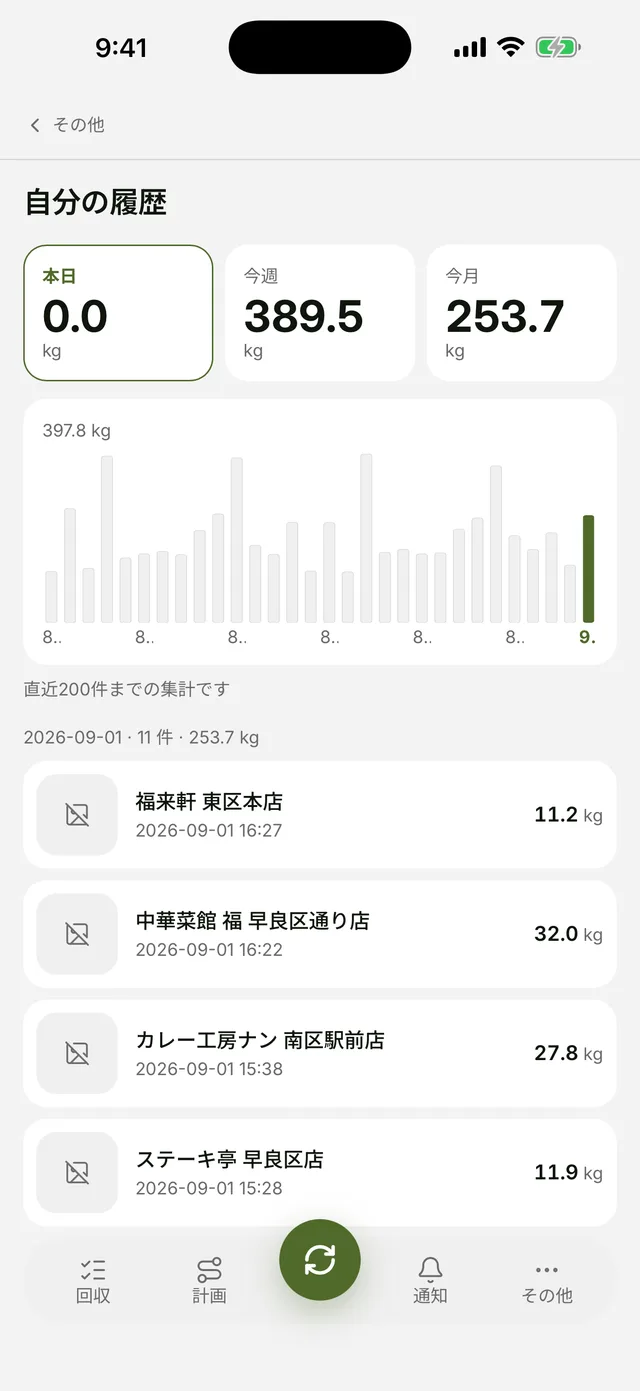
On site, pick the container and type the number shown on the scale. Up to ten photos can be attached; if photographing is impossible, a reason is recorded instead. Personal totals for today, this week and this month have their own screen.
Four languages, role-based screens
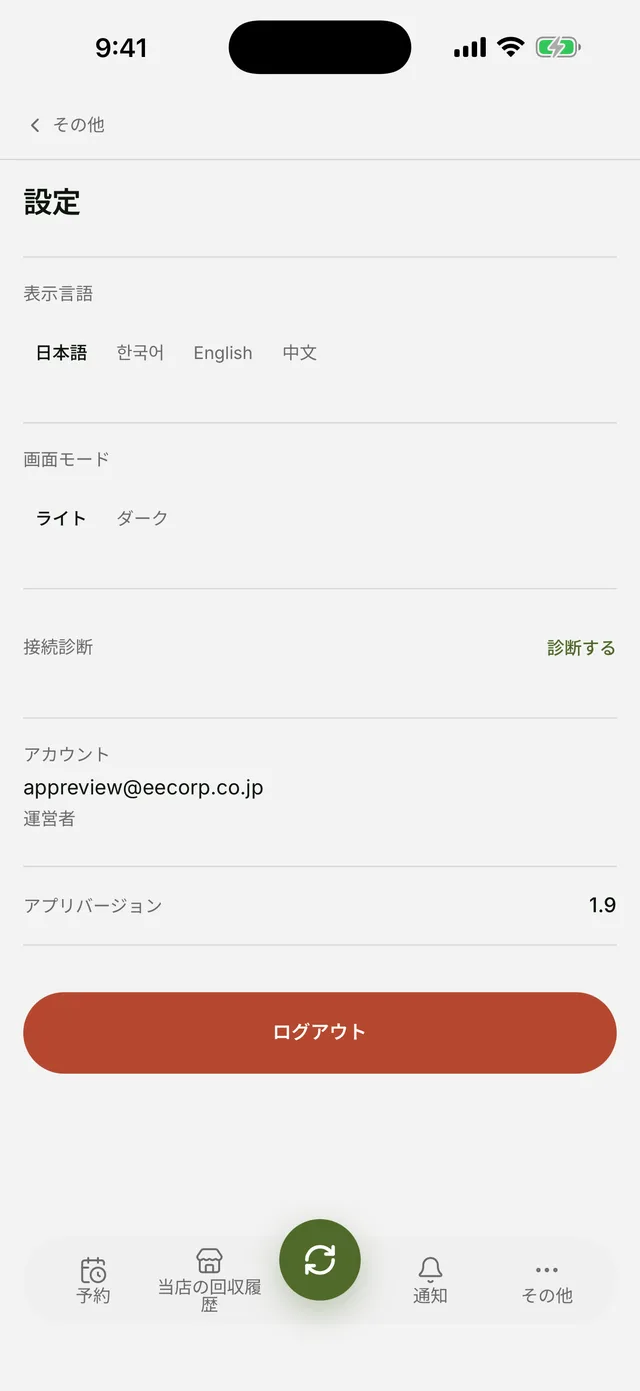
Japanese, Korean, English and Chinese, switchable at any time in settings. Light and dark appearance are both available.
The bottom tabs change by role — requests, history and alerts for store staff; map, route and reporting for collection staff. Everything else lives under More.
What is inside
The server subtracts the empty container. Because the whole container goes on the scale, the number a person reads includes it. The app takes only the scale reading; the server subtracts the container weight to get the net amount, and stores that weight with the record so later edits to the master never rewrite history.
Input works without a signal. Entries made where reception fails — a basement kitchen, say — are kept on the device and sent automatically once the connection returns. Photos are shrunk on the device before upload to save data and waiting.
Data is separated per store. Only the stores tied to the signed-in account are visible; another store's pickups or amounts appear neither on screen nor in downloaded files. Use requires administrator approval.
Development record
Where it lives
Want something like this?
The subject line will note which project brought you here.
I reply within one to three business days.
Enquire by email